




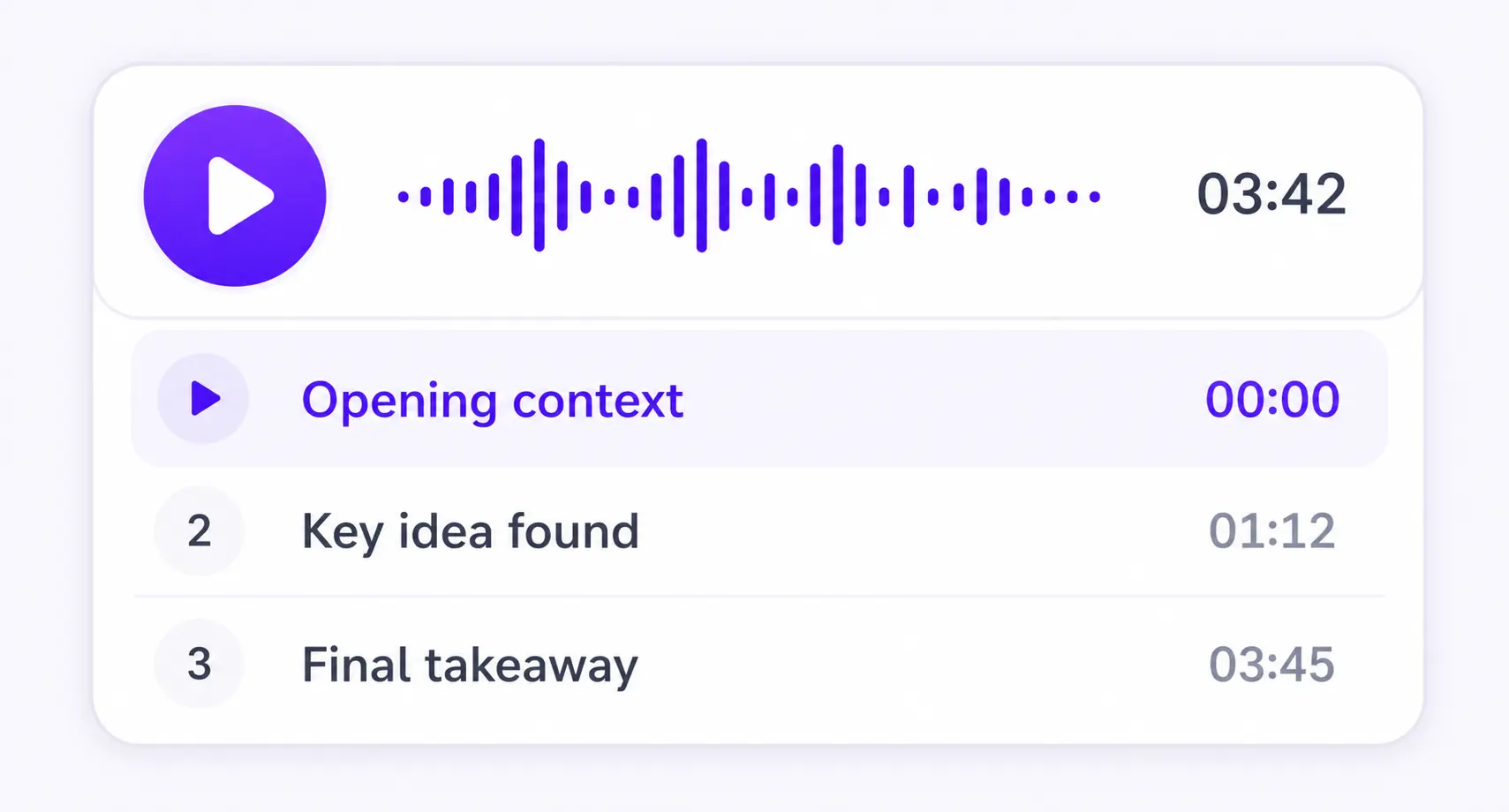
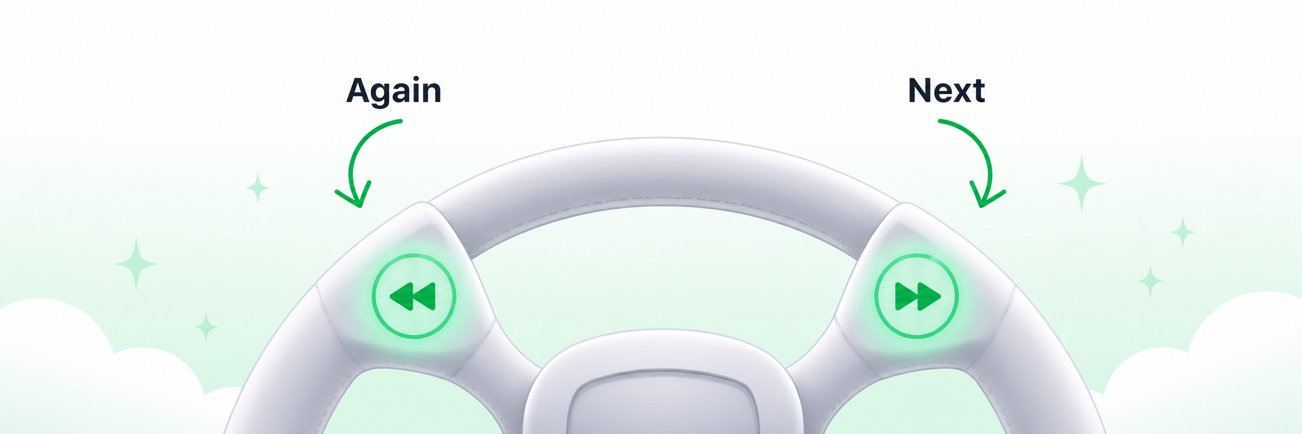
Chapter by chapter
Each section becomes its own focused audio episode.
DOCX to MP3
Natural voices and bite-sized audio summaries from your Word documents
PDF, DOCX, EPUB, TXT, or MD



Save it and listen anywhere
REAL EXAMPLE
HOW IT WORKS
Upload your document and download the audio as an MP3. You can also create a video overview.
Keep listening on iPhone or Android, or use the web player in your browser.
More time to think
Enable sentence mode to get more time to think. Playback waits after every sentence, so you have more time to reflect.
MADE FOR UNDERSTANDING
ListenDock keeps the structure of your source and gives you control over how deeply you want to learn it.
Each section becomes its own focused audio episode.
Hear the full source or a clear explanation that is easier to follow.
Turn your source into audio in the language that works for you.
Upload your file and start listening in minutes. No credit card required.
Turn DOCX and Word documents into structured audio without losing the document's reading order. Listen to reports, drafts, study notes, and long business documents as original narration or clear explanations.
Listen instead of scanning pages. Upload a Word document and convert it to MP3 audio.