




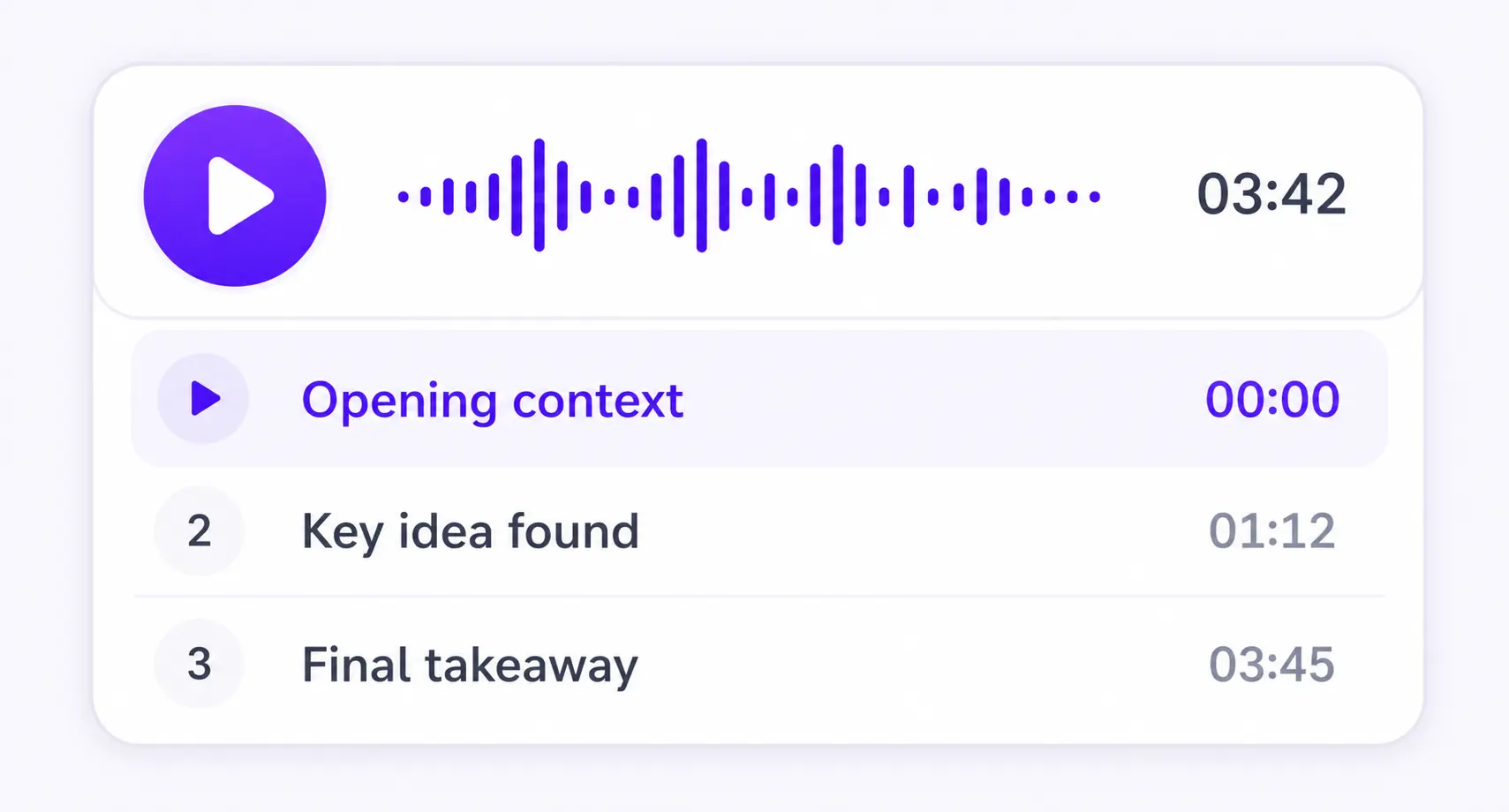
Chapter by chapter
Each section becomes its own focused audio episode.
PDF TO AUDIO
PDF, DOCX, EPUB, TXT, or MD




Save it and listen anywhere
REAL EXAMPLE
CLEAR AUDIO FROM LONG PDFS
A long PDF needs more than one large speech request. ListenDock prepares the text, makes the voice in short complete parts, and joins those parts before it makes the final MP3.
ListenDock first restores the PDF's paragraph and section order. It joins text that crosses a page break and cleans page numbers, odd symbols, scan mistakes, and formatting that should not be spoken. This gives the voice clean sentences in the right order.
Very long voice requests can become metallic or less clear after a few minutes. ListenDock splits long text into parts of about 140 words at sentence endings. It never cuts a sentence or, in two-speaker audio, cuts a speaker's turn in half.
Premium speech is made as clean, uncompressed audio parts. ListenDock joins those parts first and makes the MP3 once at the end, which avoids adding the loss of MP3 compression more than once. The result is one speech-sized file that is easy to download.
Use free speech when you want a clear set voice without speech credits. Choose premium speech for higher voice quality, more languages, or two-speaker Explained audio. You can listen online before downloading, continue in the phone app, or save the finished MP3.
HOW IT WORKS
Upload your document and download the audio as an MP3. You can also create a video overview.
Keep listening on iPhone or Android, or use the web player in your browser.
More time to think
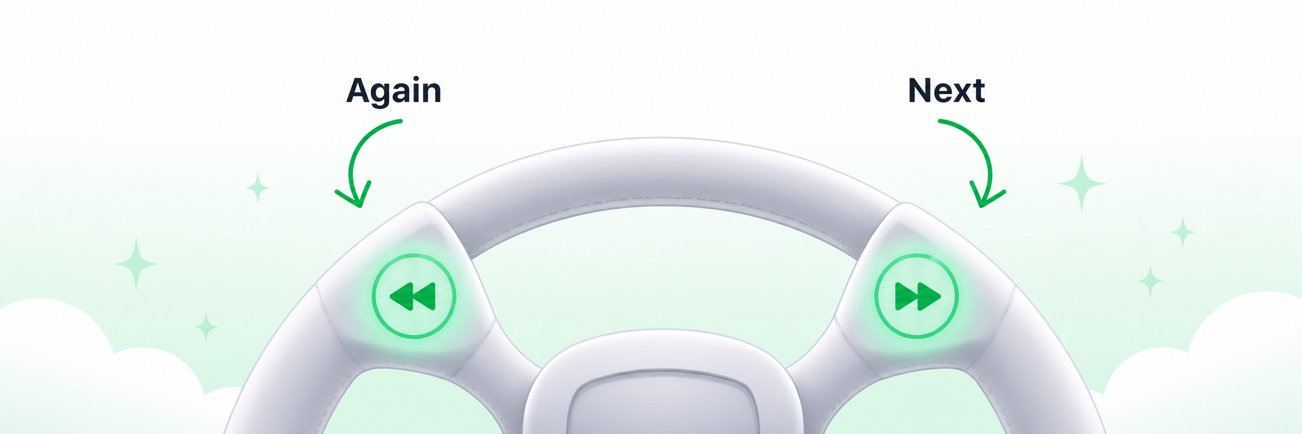
Enable sentence mode to get more time to think. Playback waits after every sentence, so you have more time to reflect.
MADE FOR UNDERSTANDING
ListenDock keeps the structure of your source and gives you control over how deeply you want to learn it.
Each section becomes its own focused audio episode.
Hear the full source or a clear explanation that is easier to follow.
Turn your source into audio in the language that works for you.
COMMON QUESTIONS
Upload the PDF, choose the full original or an explained version, then play the audio or download an MP3.
Long voice requests can lose clarity. ListenDock cuts only at sentence endings, joins the clean parts, and then makes the final file.
ListenDock joins the uncompressed parts before making the MP3 once, so it does not add MP3 loss at every join.
Yes. Free speech uses no speech credits. Premium speech offers higher voice quality, more languages, and two-speaker Explained audio.
Upload your file and start listening in minutes. No credit card required.