Chapter by chapter
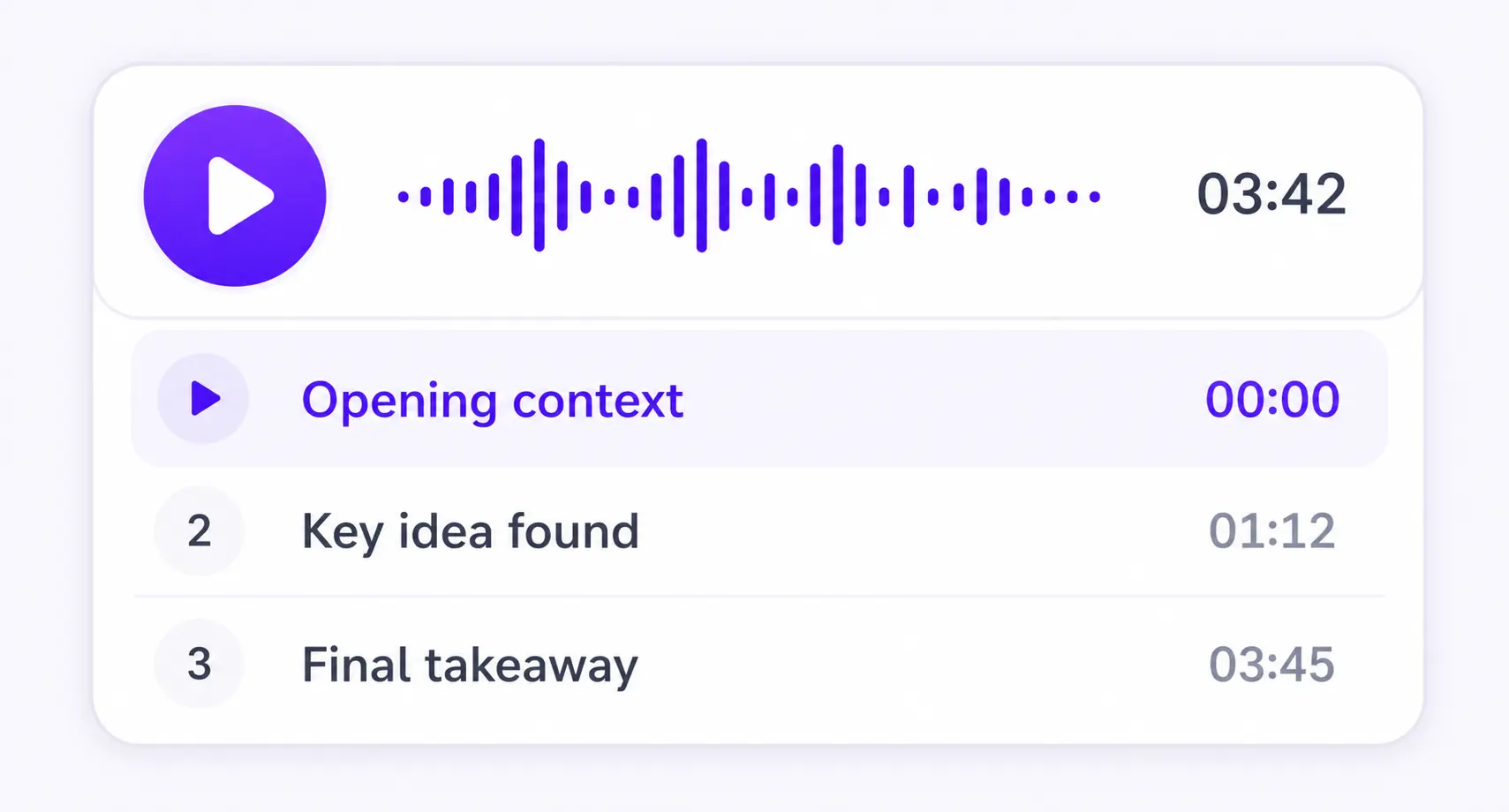
Each section becomes its own focused audio episode.
PDF TO MP3
PDF, DOCX, EPUB, TXT, or MD


Save it and listen anywhere
REAL EXAMPLE
HOW IT WORKS
Upload your document and download the audio as an MP3. You can also create a video overview.
Keep listening on iPhone or Android, or use the web player in your browser.
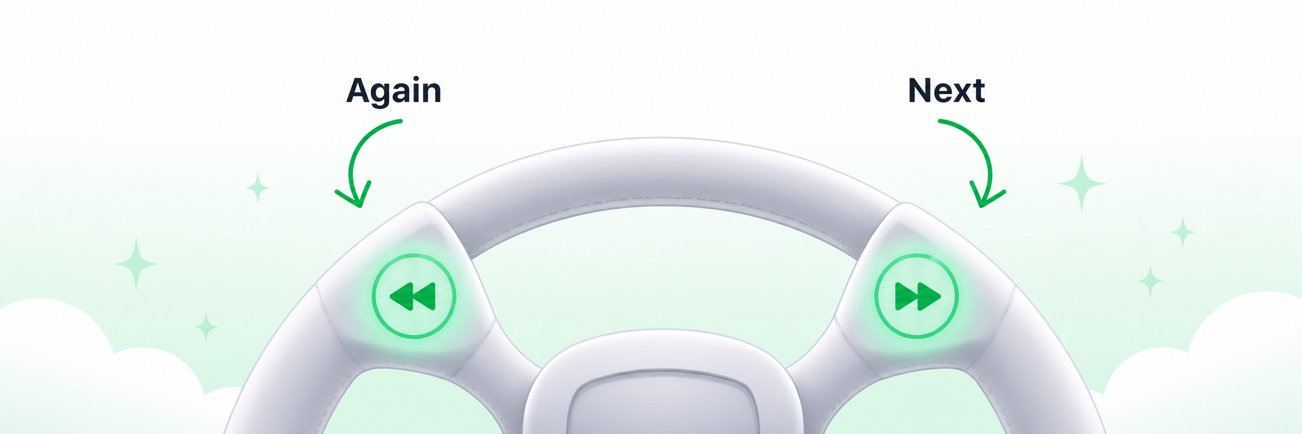
More time to think
Enable sentence mode to get more time to think. Playback waits after every sentence, so you have more time to reflect.
MADE FOR UNDERSTANDING
ListenDock keeps the structure of your source and gives you control over how deeply you want to learn it.
Each section becomes its own focused audio episode.
Hear the full source or a clear explanation that is easier to follow.
Turn your source into audio in the language that works for you.
THE FILE
This page is for a file you can take with you. Upload the PDF, choose how it should sound, then download the MP3. Listening in the browser or the app is optional.
ListenDock prepares the text, makes the speech, and writes one MP3 at the end. Use it offline, in the car, or in any player that opens MP3 files.
Original keeps the source wording. Explained keeps the same chapters and paragraphs and explains each one. Either choice downloads as MP3.
Free speech uses no speech credits. Premium speech offers higher voice quality, more languages, and two-speaker Explained audio. Preparing the document can still use credits.
Long documents are spoken in short complete parts, then joined before the MP3 is made, so you get one file instead of a pile of clips. How long PDF audio stays clear
COMMON QUESTIONS
Upload the PDF, choose original or explained audio, then download the MP3. You can listen online first if you want.
Text-to-speech playback is free. Preparing a document or using a premium voice may use credits. No credit card is required to start.
You get one MP3. Chapters stay in the player if you listen in ListenDock, and the download is a single file.
Yes. Original and Explained both export as MP3. Explained keeps the same chapters and paragraphs and explains each paragraph.
Yes. Play the audio in the browser or continue in the iPhone or Android app. The MP3 is there when you want a file.
ListenDock cuts speech at sentence endings, joins the clean parts, then makes the MP3 once. The PDF to audio page explains that in more detail.
Upload your file and start listening in minutes. No credit card required.
Turn a technical book or a long report into an MP3 you can play like an audiobook. Keep the original text, or download an explained version of the same chapters.
Try it for free. Convert your PDF to MP3 now.