One sentence at a time
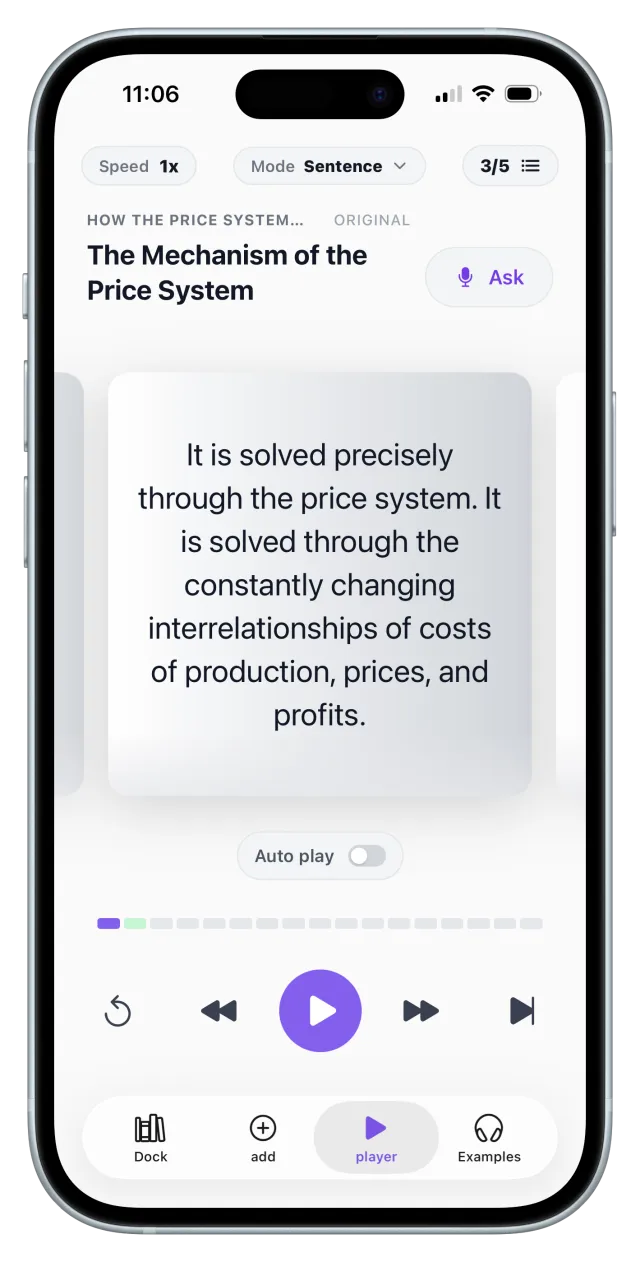
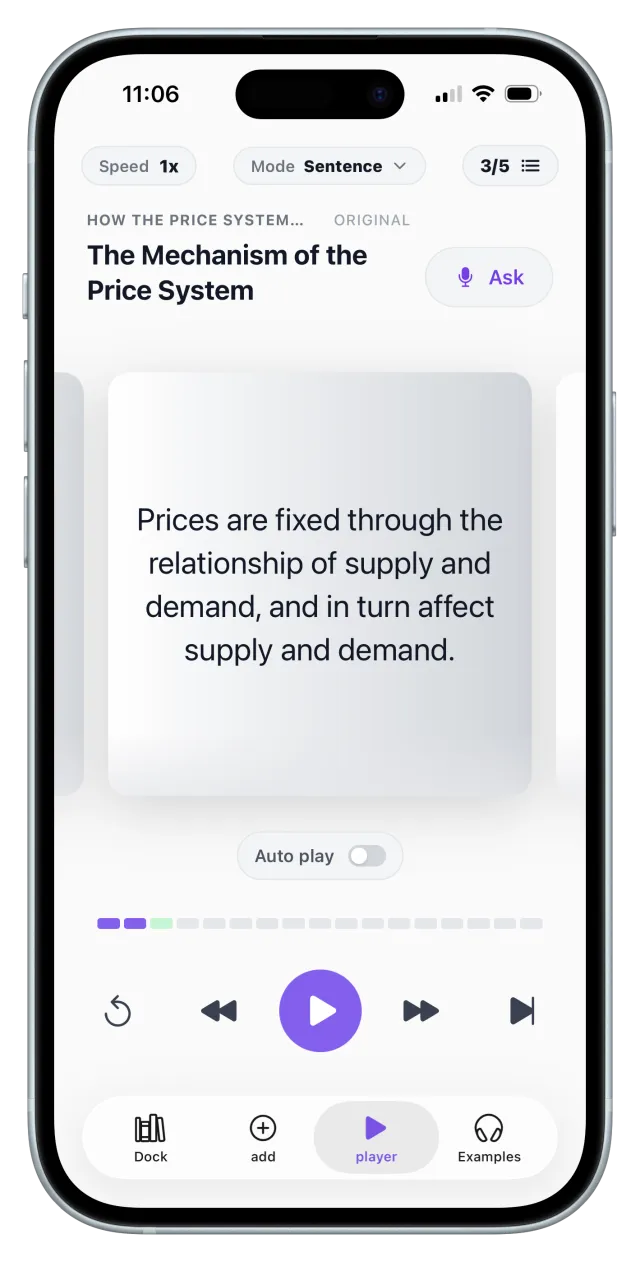
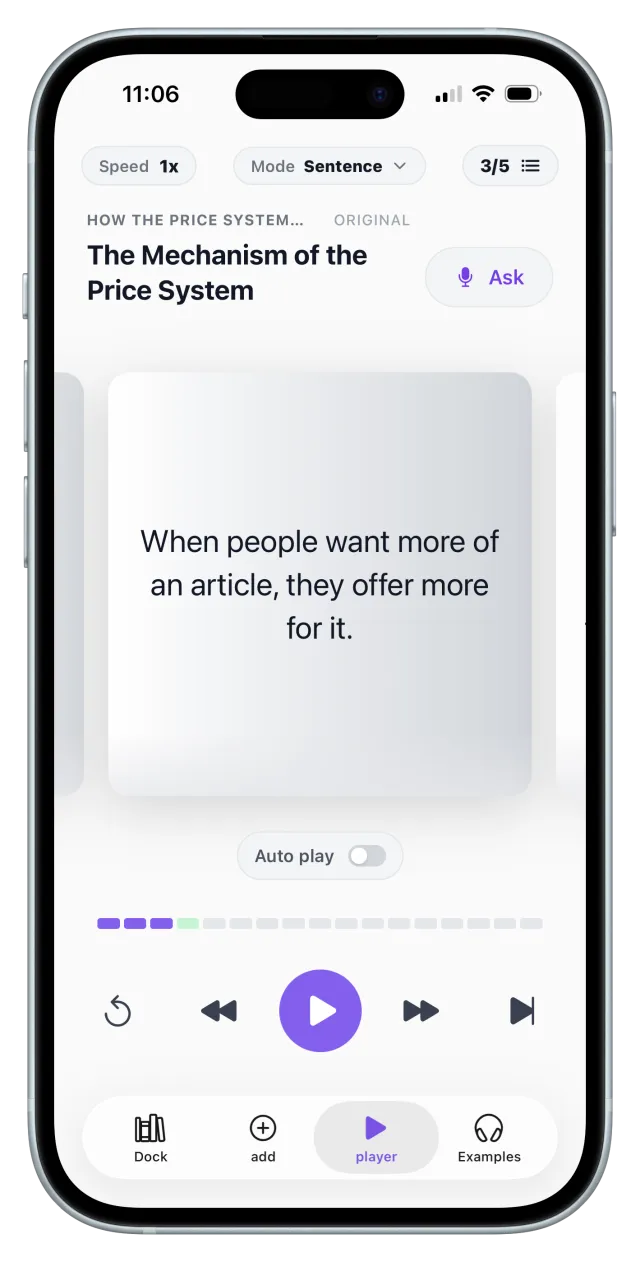
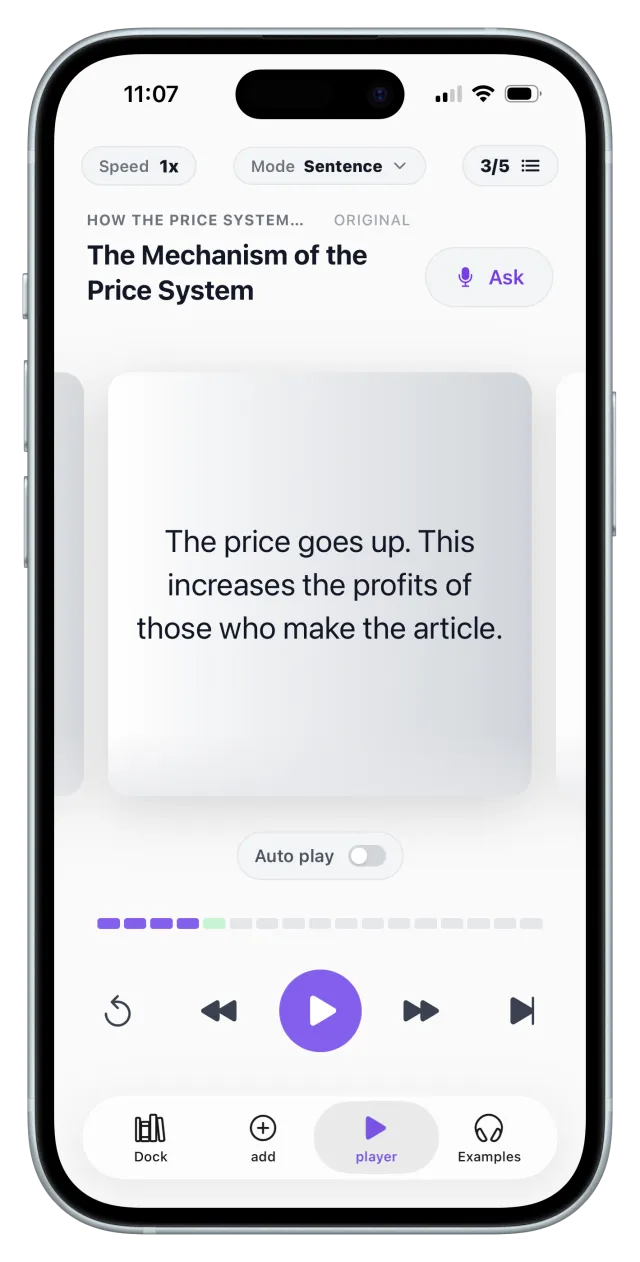
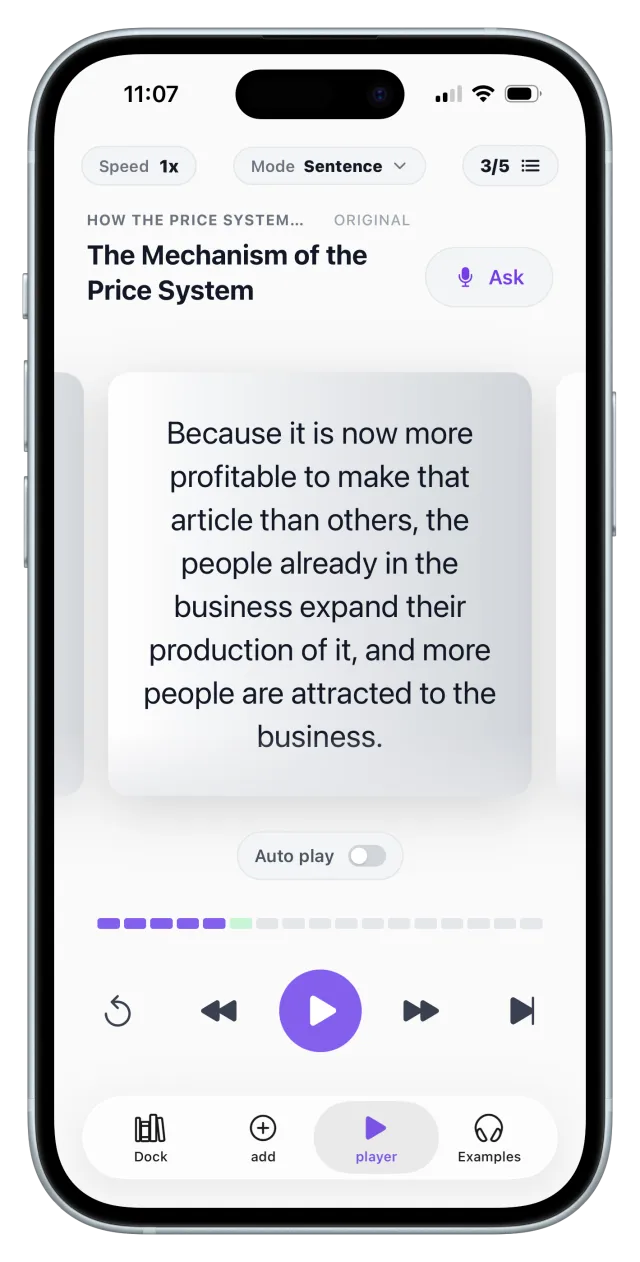
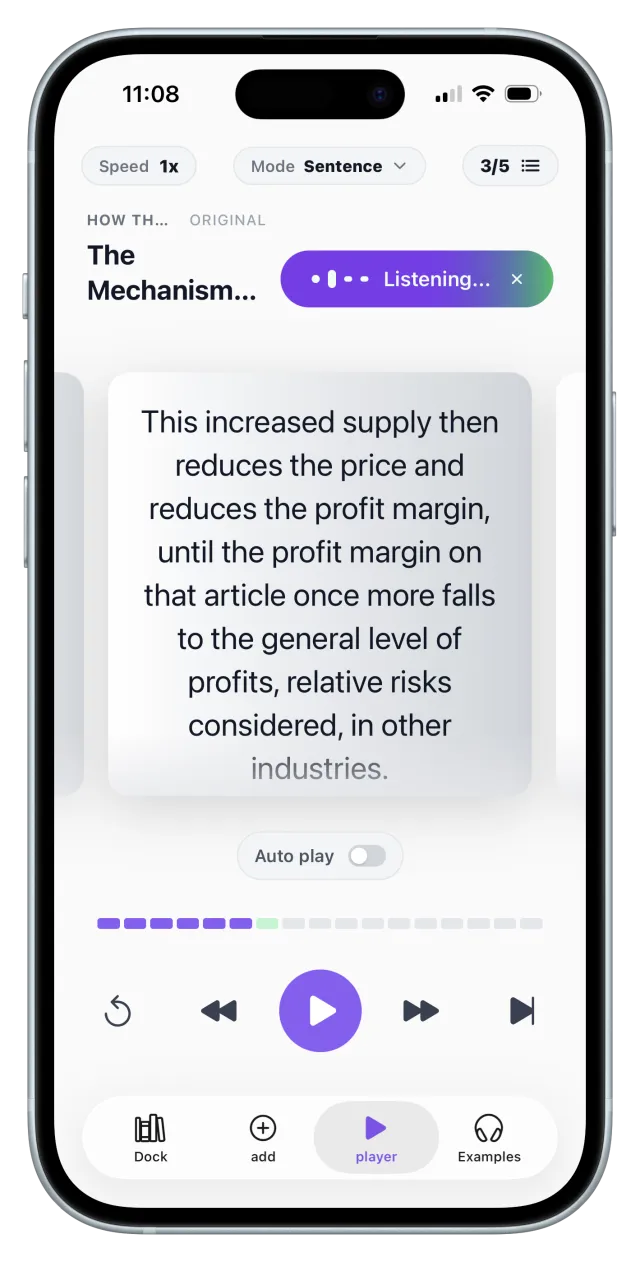
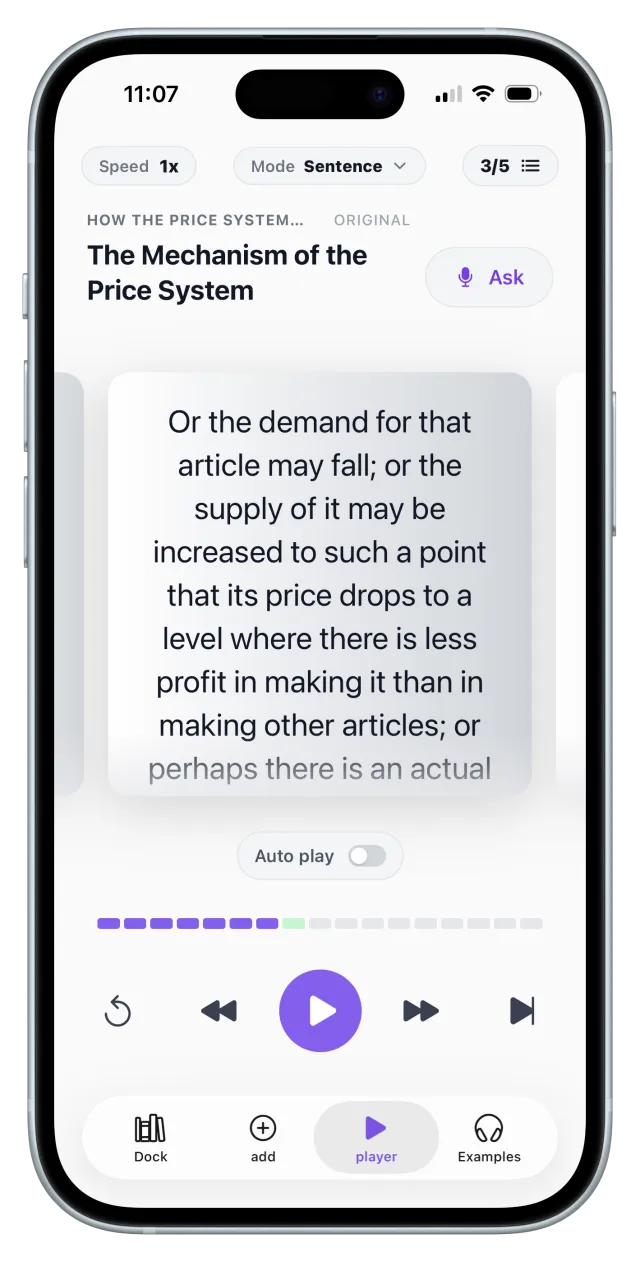
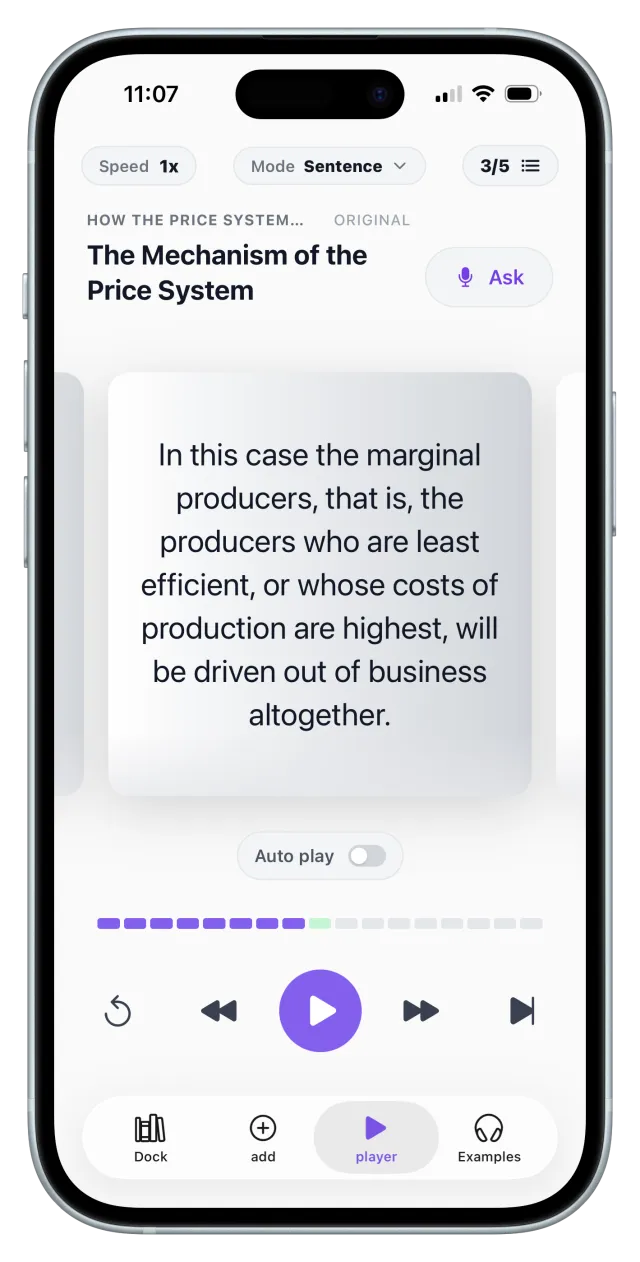
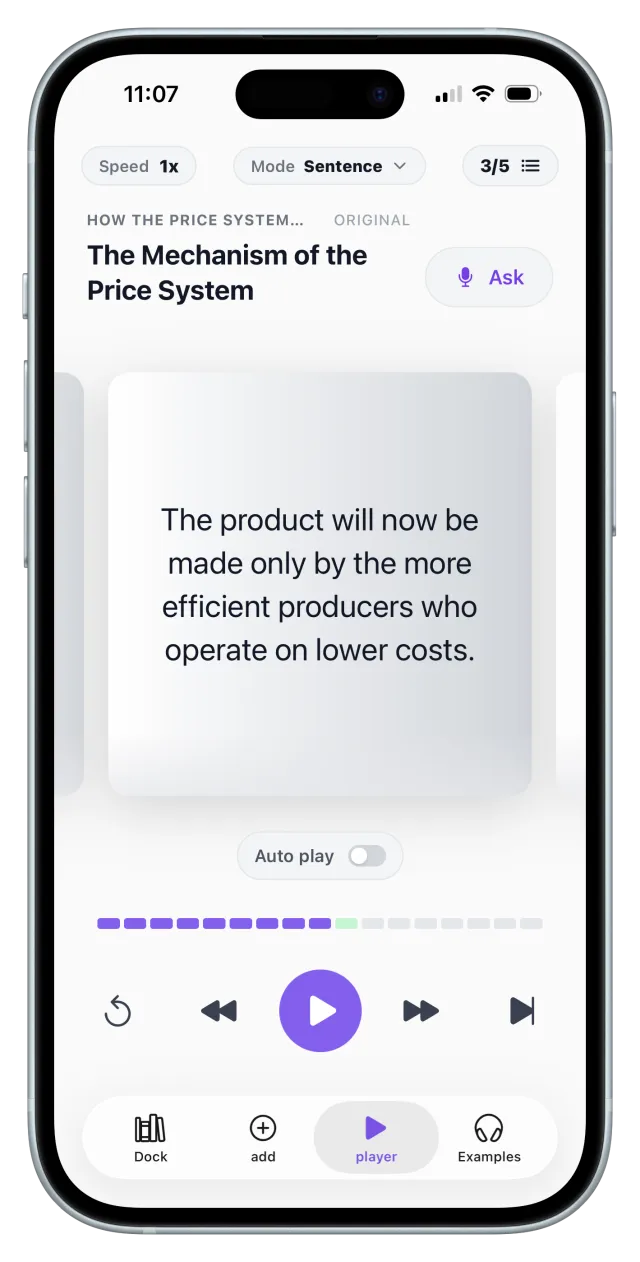
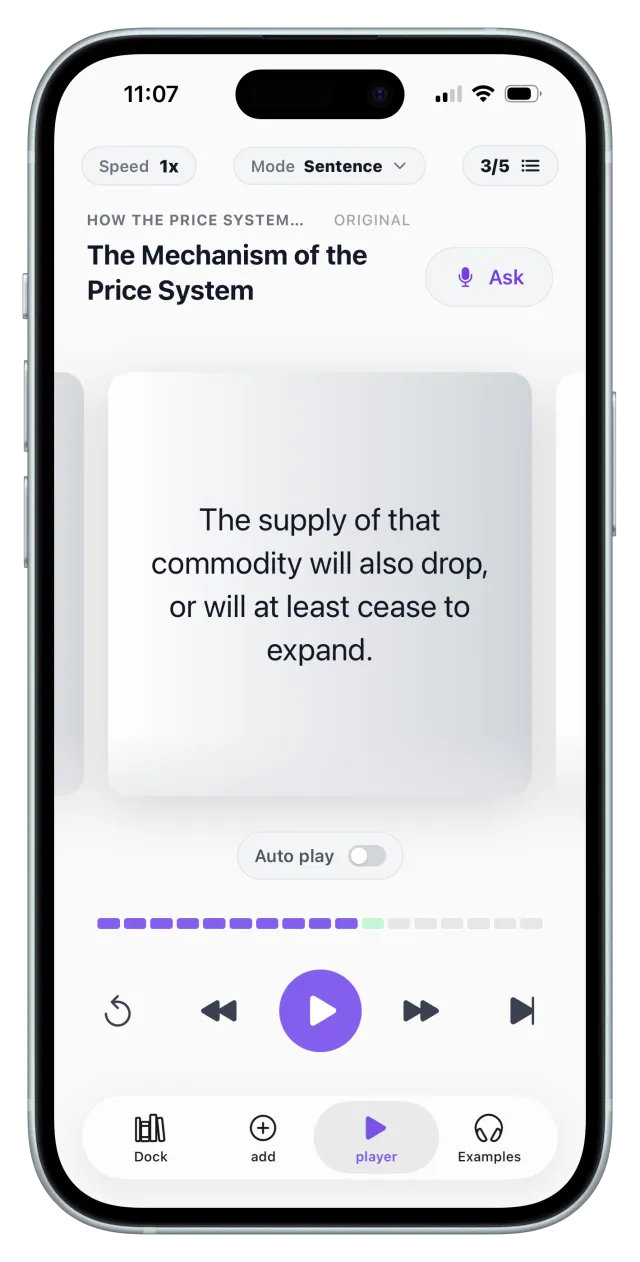
The player reads exactly one sentence, then waits for you. No rushing ahead while you are still thinking.
SENTENCE BY SENTENCE MODE
THE PROBLEM
My goal was to listen to technical texts while driving in my car. But I realized that with complicated content, e.g. computer science papers, it was not a good listening experience.
MY FIRST IDEA
My first attempt to solve this was simplifying the text: making it audio friendly and car friendly by re-forming the sentences so that they have a good flow and are easy to listen to. It works too, but often I just want the original text.
MY EXPERIENCE
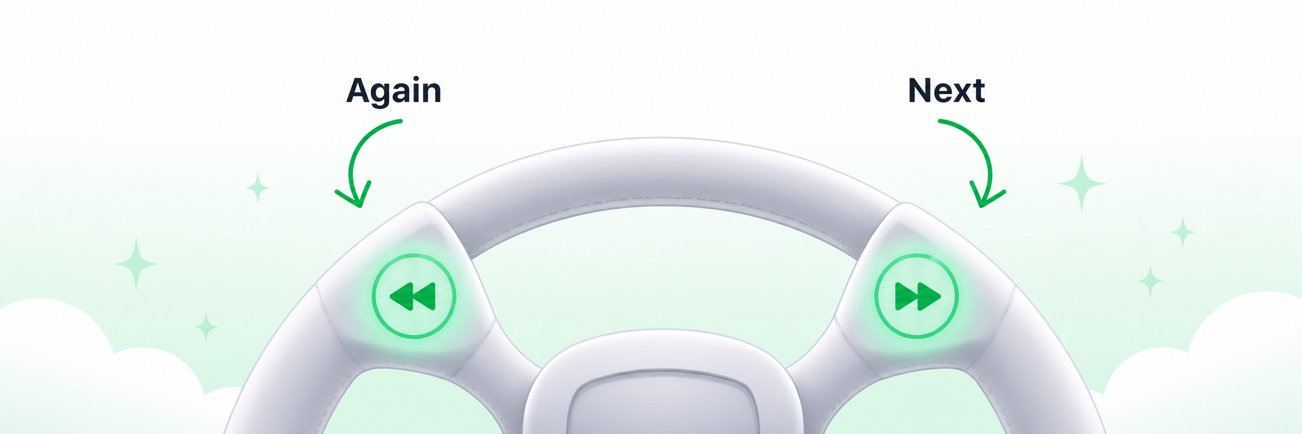
I control it with the skip buttons on my steering wheel: back to repeat a sentence, forward to play the next one, and back twice to actually skip back.
I realized it gives me more time to think about every sentence, and listening becomes closer to how you read a real book: you read one sentence, you read it again if it was complicated, you have time to think about it, and you move on to the next sentence on your own.
OBSERVATION 1
On the road or in traffic, your attention can suddenly shift and you don't listen to the audio anymore. In a real audiobook you miss the boat in those cases, it just continues. But when you control the playback of each sentence, the audio pauses and you can listen to the last sentence again when your attention is back.
OBSERVATION 2
While I was listening to “Economics in One Lesson” by Henry Hazlitt, I realized that I get stronger mental models and pictures when there is a pause after each sentence. I combined this with a reduced playback speed of 0.8x, to get the strongest effect (the TTS is a bit fast sometimes).
WHY IT WORKS
The player reads exactly one sentence, then waits for you. No rushing ahead while you are still thinking.
Was the sentence complicated? Play it again. Just like your eyes jump back a line in a real book.
Between sentences there is room for your own thoughts. That pause is where understanding happens.
The buttons on your steering wheel control everything: repeat, continue, pause. Eyes on the road, mind in the book.
TRY IT YOURSELF
Upload a document, switch to Sentence by Sentence Mode in the app, and take it with you on your next drive.