Any language
Create the summary in the language that works for you.
YouTube Video Summarizer
Lectures, interviews, tutorials, podcasts, and talks
Prefer audio only? Try the YouTube Audio Summarizer.
REAL EXAMPLE
WATCH OR LISTEN ANYWHERE
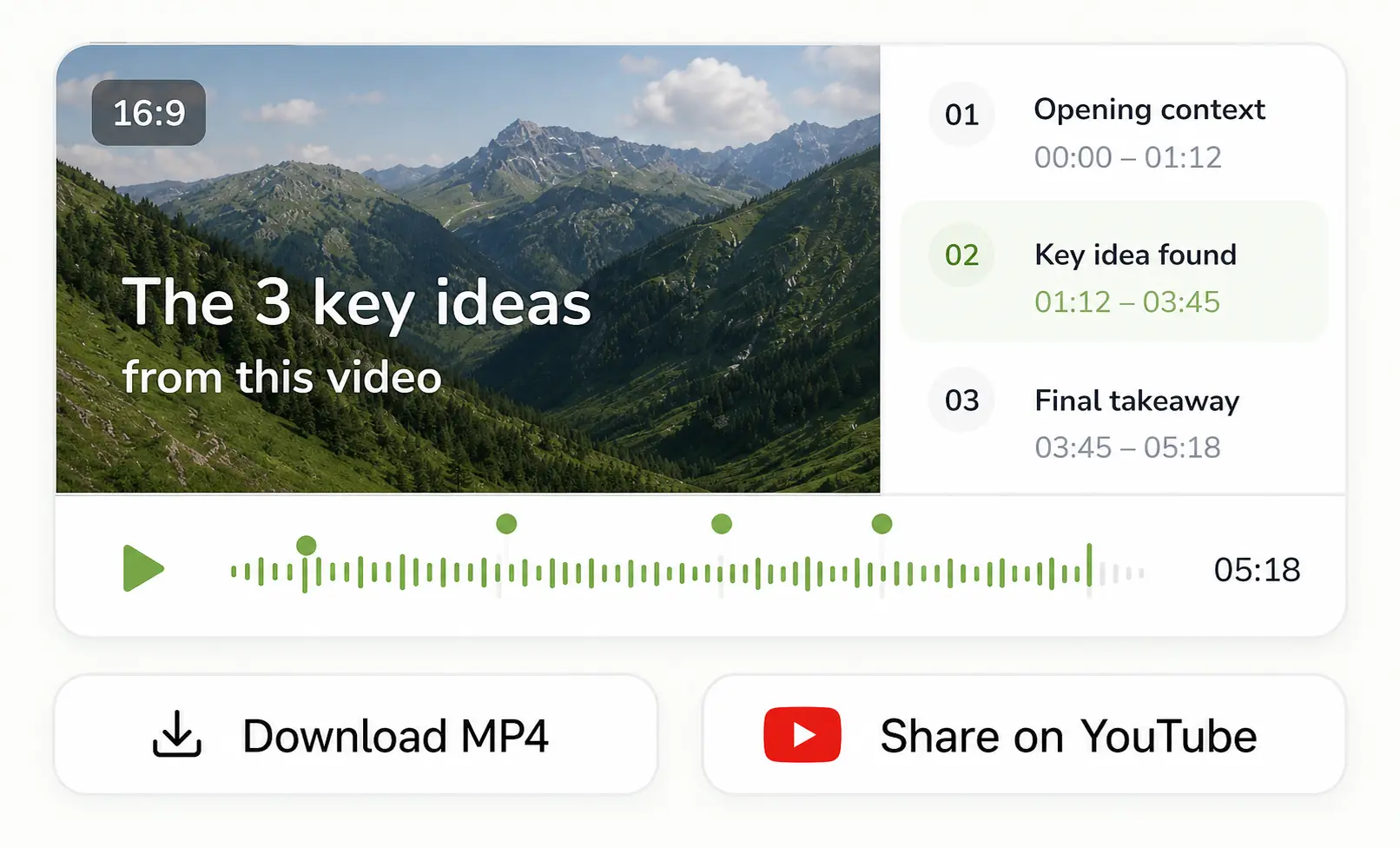
Download the video, or continue listening in the app.


MADE TO BE SHARED
ListenDock turns the source into a structured, watchable explanation you can keep or send.
Create the summary in the language that works for you.
Hear the ideas explained naturally instead of scanning generic bullets.
Animated chapters, voices, waveform, and progress in a real video file.
HOW IT WORKS
Copy the video URL and drop it in. ListenDock fetches and transcribes what is actually said—no downloads or browser extensions.
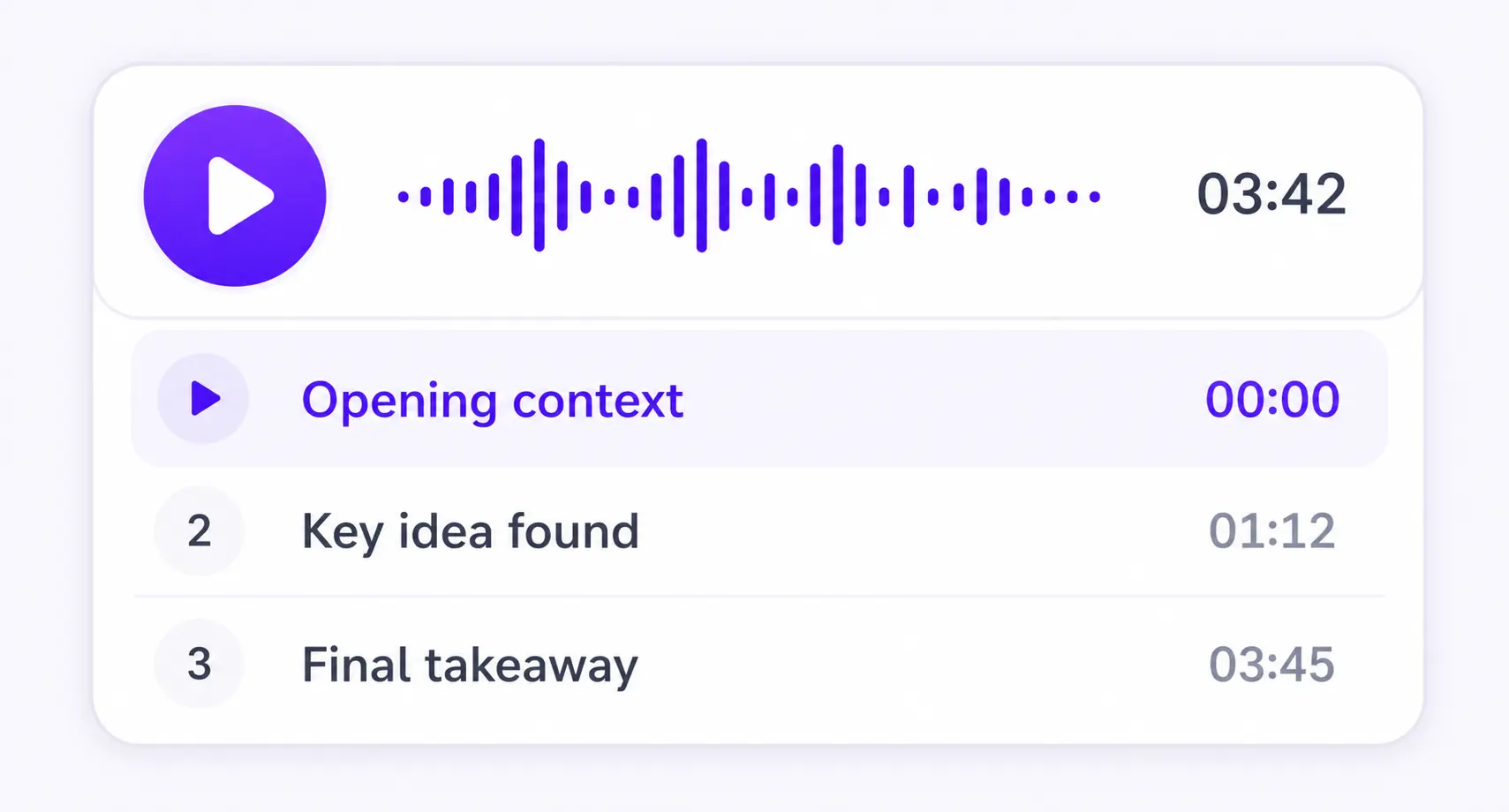
Create audio to listen to or download as an MP3, or make a short video from the key ideas.
Keep listening on iPhone or Android, or use the web player in your browser.
WHY LISTENDOCK
Not just bullet points: voices, chapter cards, and the key ideas.
GOOD TO KNOW
Yes. Paste a link, ListenDock pulls the key insights and renders a short animated video summary you can watch or share.
Yes, you get a downloadable MP4, and you can also publish it to a shareable page.
Yes. Upload a PDF or paste a webpage/article URL and create a key-insights audio or video the same way.
Yes. Instead of a wall of text, you get a watchable multi-speaker video with chapter cards and the key ideas.
Absolutely. Use the YouTube Audio Summarizer if you just want an MP3.
Not just YouTube. Turn any document into a key-insights audio or video: PDF to MP3, webpage to audio, URL to audio, or stick with the YouTube Audio Summarizer.
Paste a YouTube link and turn it into a short, shareable key-insights video in minutes. No credit card required.
ListenDock is a YouTube video summarizer that turns long videos into short, watchable key-insights videos. Paste a link and let the AI YouTube summarizer pull out the ideas that matter.
ListenDock summarizes a YouTube video into a short video with multiple voices and animated chapter cards. It works well for lectures, podcasts, and long interviews.
As a video summary generator it focuses on the meaning of the source, not generic stock footage. You can download the MP4 or publish it to a shareable page, and the same flow also works for PDFs and webpages.