




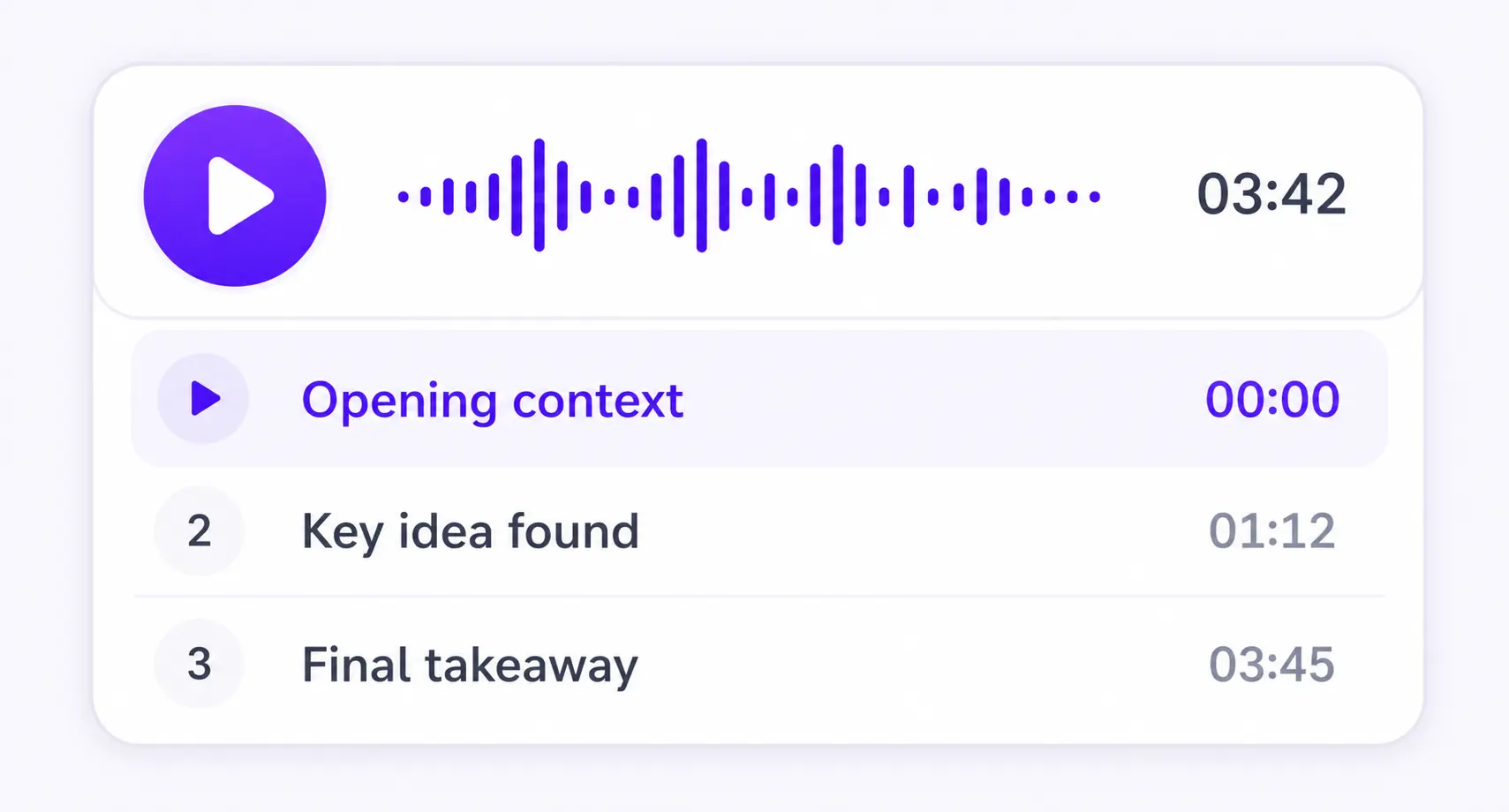
Chapter by chapter
Each section becomes its own focused audio episode.
PDF AUDIO READER
PDF, DOCX, EPUB, TXT, or MD




Save it and listen anywhere
REAL EXAMPLE
THE IPHONE READER
The ListenDock iPhone app treats a PDF as a set of audio sections rather than one long track. You can pick a section, change speed, use the phone in the car, or stop on one sentence when you need time to think.
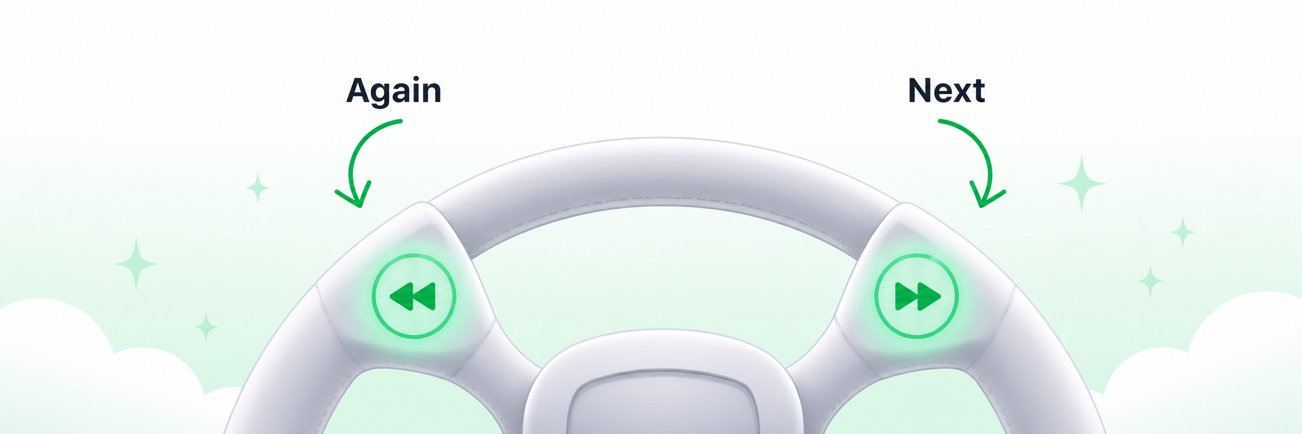
When your iPhone is connected through CarPlay, the car's next and previous controls reach ListenDock through the same controls as the lock screen. In Normal mode, they jump 10 seconds forward or back. You can also play, pause, and seek without keeping the app open on screen.
Sentence mode is available on iPhone. It shows and plays one sentence at a time, then waits so you can think. Swipe to another sentence or tap the current one to hear it again. In the car, Next moves one sentence forward; Back restarts the current sentence, and a second quick Back moves to the prior sentence.
The Ask button pauses playback and starts a live voice exchange. In Normal mode it centers the exchange on the current part of the document. In sentence mode it also sends the current sentence, while the chapter and full PDF remain available as background when they help answer your question.
Choose a speed from 0.5x to 2x, open the section list, and see which parts you have finished. The app keeps audio active in the background and shows controls on the iPhone lock screen. You can also make missing audio from the player instead of returning to the upload screen.
HOW IT WORKS
Upload your document and download the audio as an MP3. You can also create a video overview.
Keep listening on iPhone or Android, or use the web player in your browser.
More time to think
Enable sentence mode to get more time to think. Playback waits after every sentence, so you have more time to reflect.
MADE FOR UNDERSTANDING
ListenDock keeps the structure of your source and gives you control over how deeply you want to learn it.
Each section becomes its own focused audio episode.
Hear the full source or a clear explanation that is easier to follow.
Turn your source into audio in the language that works for you.
COMMON QUESTIONS
A PDF audio reader turns the text in a PDF into speech and gives you controls to play, pause, and move through it.
In Normal mode they jump 10 seconds back or forward. In sentence mode they restart, move back, or move to the next sentence.
Sentence mode plays one sentence at a time and waits after it. You can repeat a sentence, swipe between sentences, or turn on continued playback.
It centers the voice exchange on your current sentence or section and uses the chapter and full document only when they help answer your question.
Upload your file and start listening in minutes. No credit card required.