




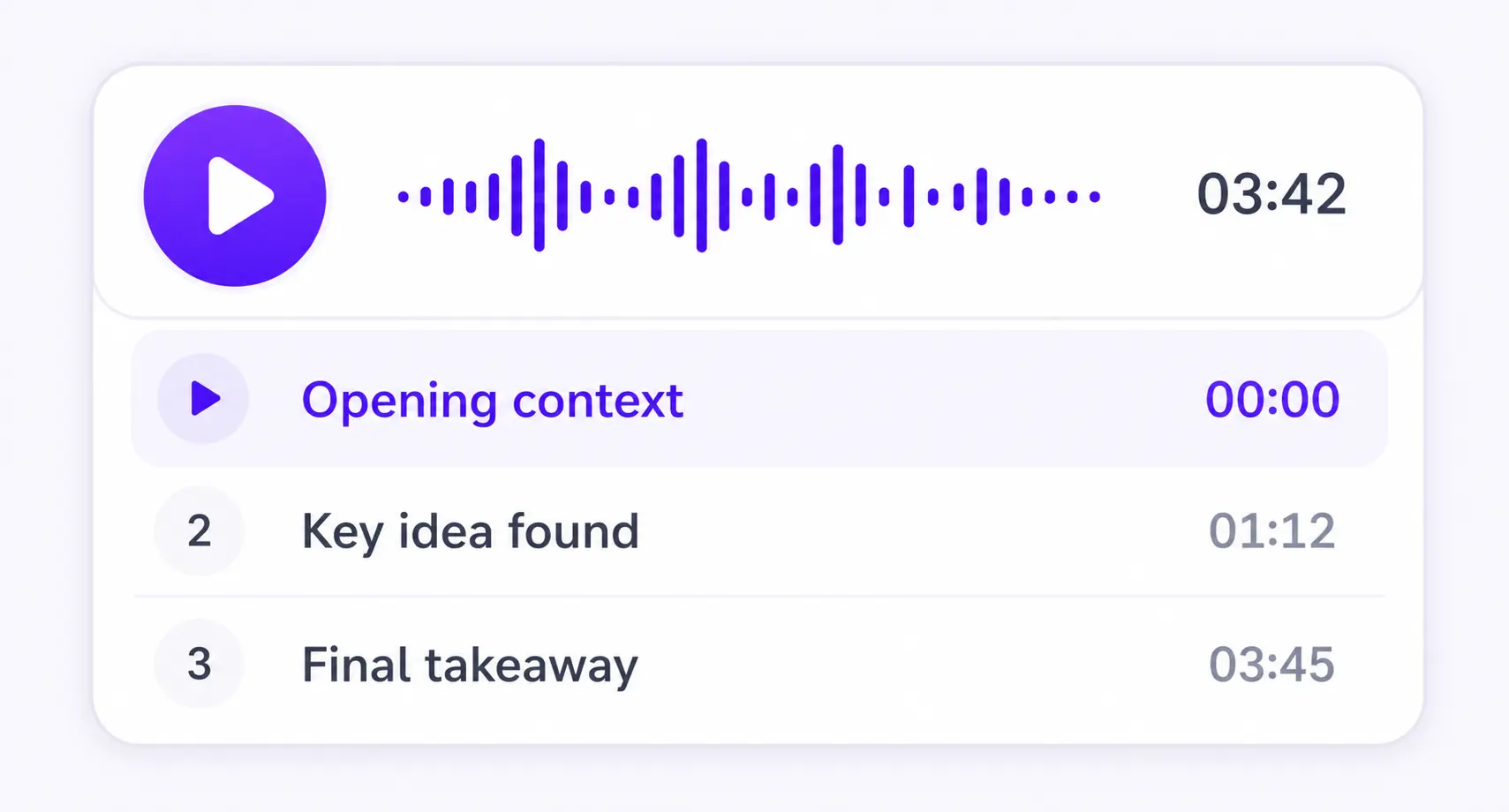
Chapter by chapter
Each section becomes its own focused audio episode.
READ PDF ALOUD
PDF, DOCX, EPUB, TXT, or MD



Save it and listen anywhere
REAL EXAMPLE
LONG PDFS AND RESEARCH PAPERS
A research paper is not plain text. Paragraphs cross page breaks, headings mark the argument, and the PDF may contain page numbers, links, or poor text from a scan. ListenDock prepares that structure before it makes the audio.
ListenDock rebuilds the visible section and paragraph order, joins paragraphs that continue on the next page, and does not treat each page break as a new section. It aims for audio sections of about 150 to 400 words, so you can move through the paper by idea instead of by page.
Before speech starts, ListenDock removes page numbers and small items such as arXiv links. It also cleans broken formatting, odd symbols, and text mistakes left by scanning. Original mode keeps the source wording, but sends the voice only text that a narrator would read aloud.
Explained mode stays with the current part of the paper. It can add missing steps in the reasoning and make a dense point easier to follow, while avoiding results from later sections and avoiding the same example again and again.
Use Original when wording, figures, and claims must stay close to the paper. Use Explained when you want help with the argument. You can listen by section, continue on your phone, or download the audio as an MP3.
HOW IT WORKS
Upload your document and download the audio as an MP3. You can also create a video overview.
Keep listening on iPhone or Android, or use the web player in your browser.
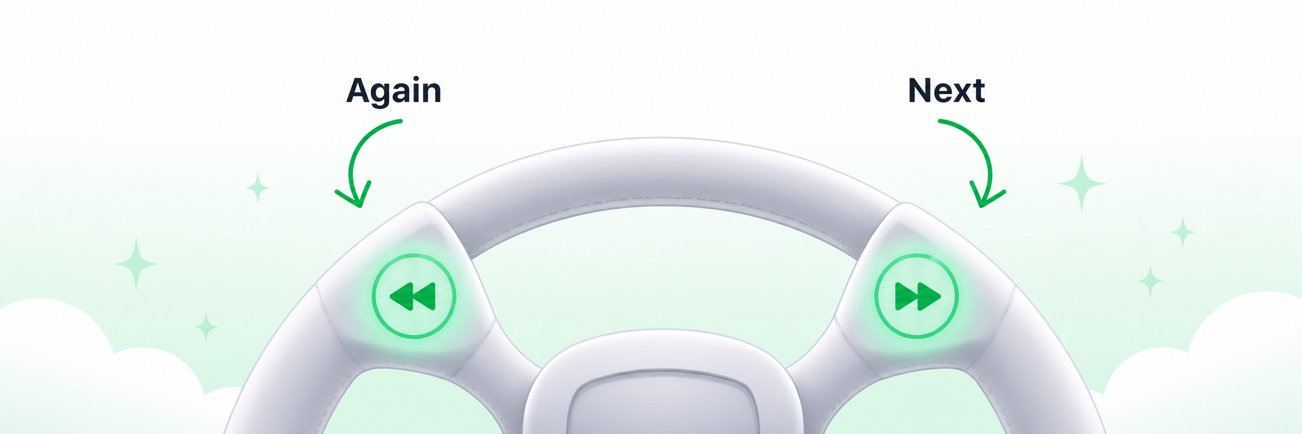
More time to think
Enable sentence mode to get more time to think. Playback waits after every sentence, so you have more time to reflect.
MADE FOR UNDERSTANDING
ListenDock keeps the structure of your source and gives you control over how deeply you want to learn it.
Each section becomes its own focused audio episode.
Hear the full source or a clear explanation that is easier to follow.
Turn your source into audio in the language that works for you.
COMMON QUESTIONS
Text-to-speech playback is free. Preparing a document or using a premium voice may use credits.
Yes. You can listen in a web browser or use the ListenDock apps for iPhone and Android.
ListenDock removes page numbers and trivial links, then cleans odd symbols and broken formatting before making speech.
No. Original mode keeps the source text and its order. Choose Explained mode when you want the ideas taught in clearer words.
Upload your file and start listening in minutes. No credit card required.