




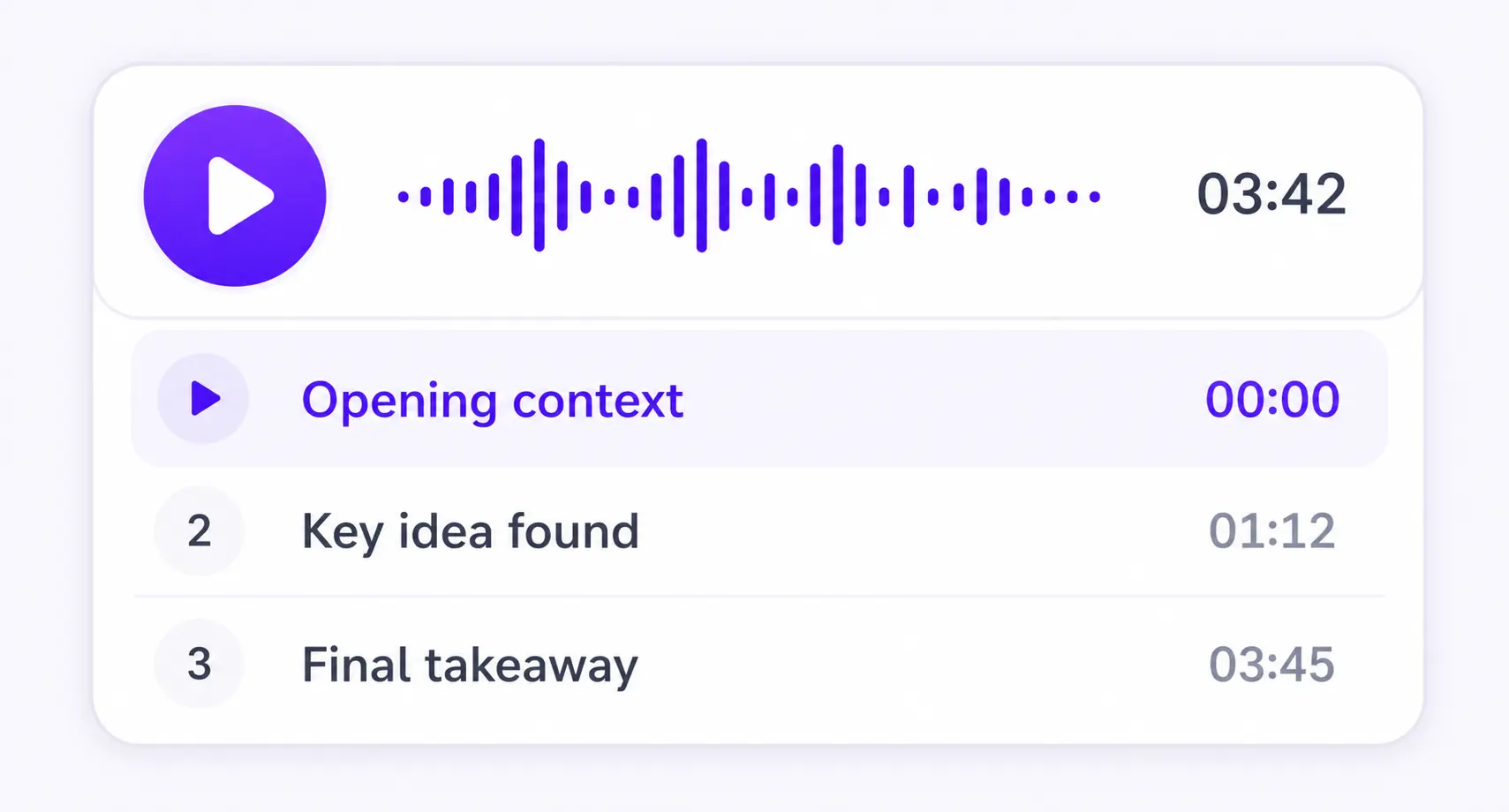

Chapter by chapter
Each section becomes its own focused audio episode.
PDF TEXT TO SPEECH
PDF, DOCX, EPUB, TXT, or MD




Save it and listen anywhere
REAL EXAMPLE
TEXT AND VOICE OPTIONS
PDF text to speech can mean a close reading of the source or a new explanation of it. ListenDock lets you choose the text mode, voice type, speaker format, and spoken language before making audio.
Original mode reads the source text after cleaning symbols and broken formatting that do not work in speech. It does not shorten the document. You can also choose another audio language; in that case ListenDock translates the original content before it is spoken.
Explained mode handles one document section at a time. It fills in missing steps when the writing moves too fast, keeps technical points accurate, and uses earlier sections for continuity without repeating them. It does not reveal findings from later sections before you reach them.
Single speaker gives you one clear narrator and works with Original or Explained text. Multiple speakers is a premium option for Explained audio: an expert host teaches the point while a curious guest asks the questions a listener is likely to have. The exchange stays short and skips podcast intros and sign-offs.
Free speech uses a set voice for English, Spanish, French, Hindi, Italian, Japanese, Portuguese, or Chinese. The speech itself uses no credits; preparing the document can still use credits. Premium speech gives you higher voice quality, more language choices, and the two-speaker option.
HOW IT WORKS
Upload your document and download the audio as an MP3. You can also create a video overview.
Keep listening on iPhone or Android, or use the web player in your browser.
More time to think
Enable sentence mode to get more time to think. Playback waits after every sentence, so you have more time to reflect.
MADE FOR UNDERSTANDING
ListenDock keeps the structure of your source and gives you control over how deeply you want to learn it.
Each section becomes its own focused audio episode.
Hear the full source or a clear explanation that is easier to follow.
Turn your source into audio in the language that works for you.
COMMON QUESTIONS
PDF text to speech turns the written text in a PDF into spoken audio that you can play and pause.
Original keeps the source content. Explained teaches each section in clearer words and adds reasoning steps when the source moves too quickly.
Multiple speakers works with premium speech and Explained mode. Original text always uses one narrator.
Yes. Choose the audio language you want. ListenDock translates the content before making the speech when needed.
Upload your file and start listening in minutes. No credit card required.